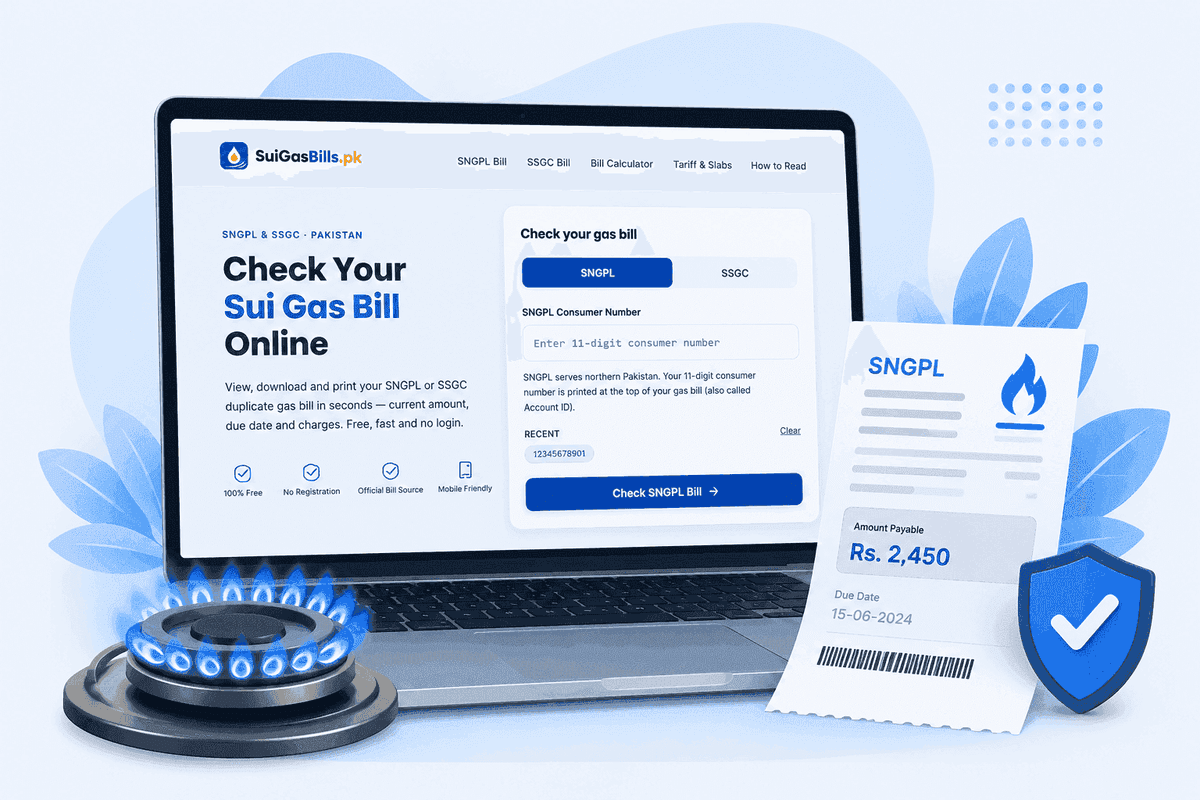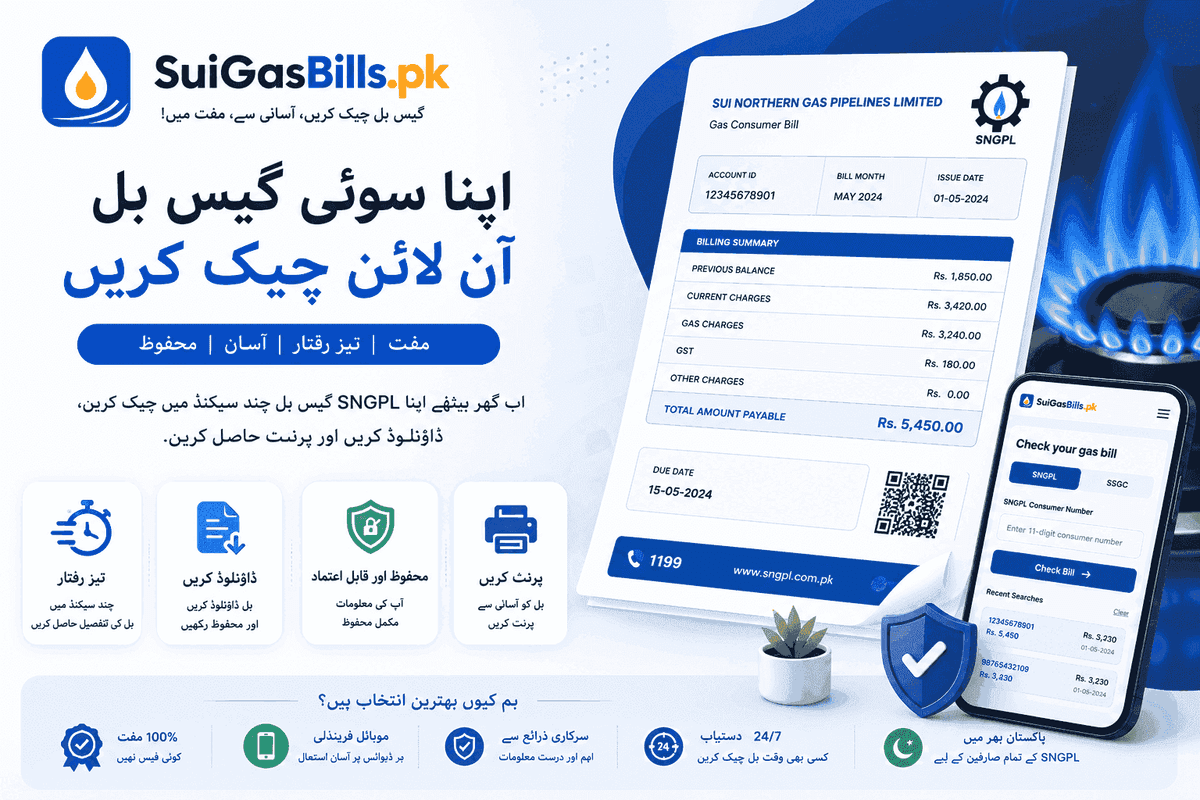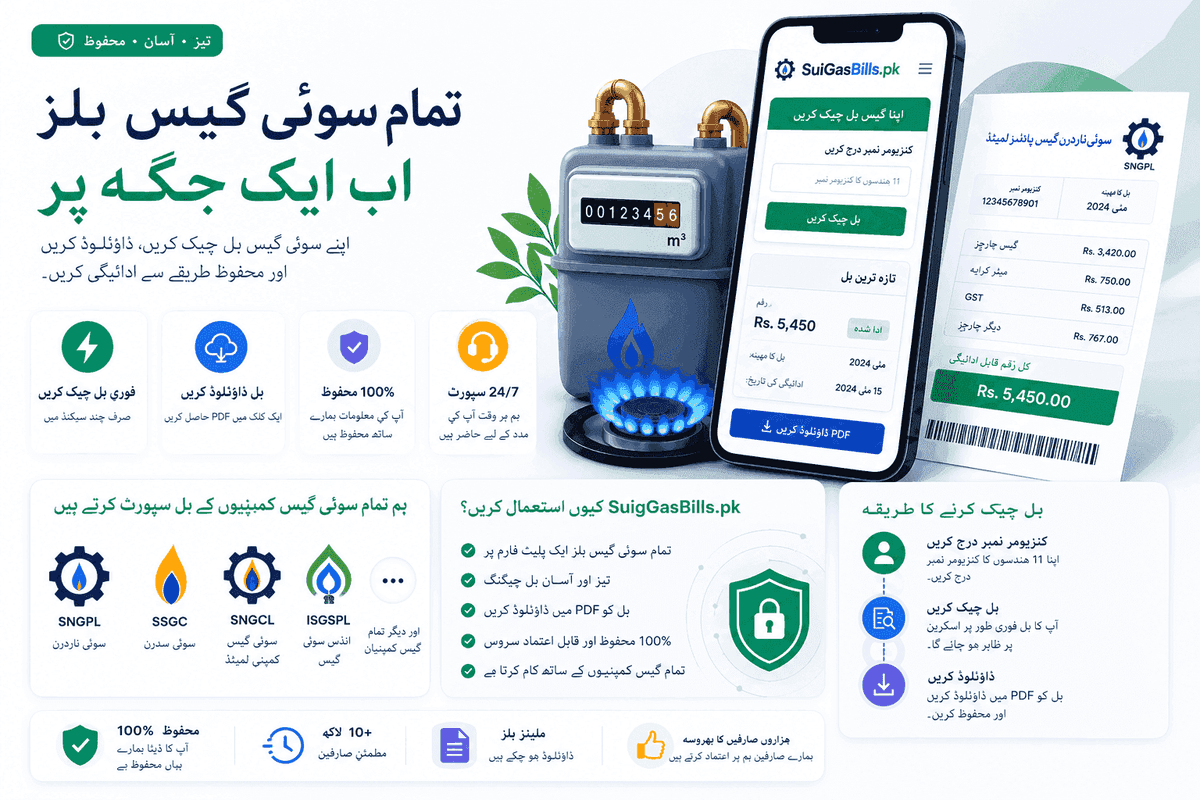
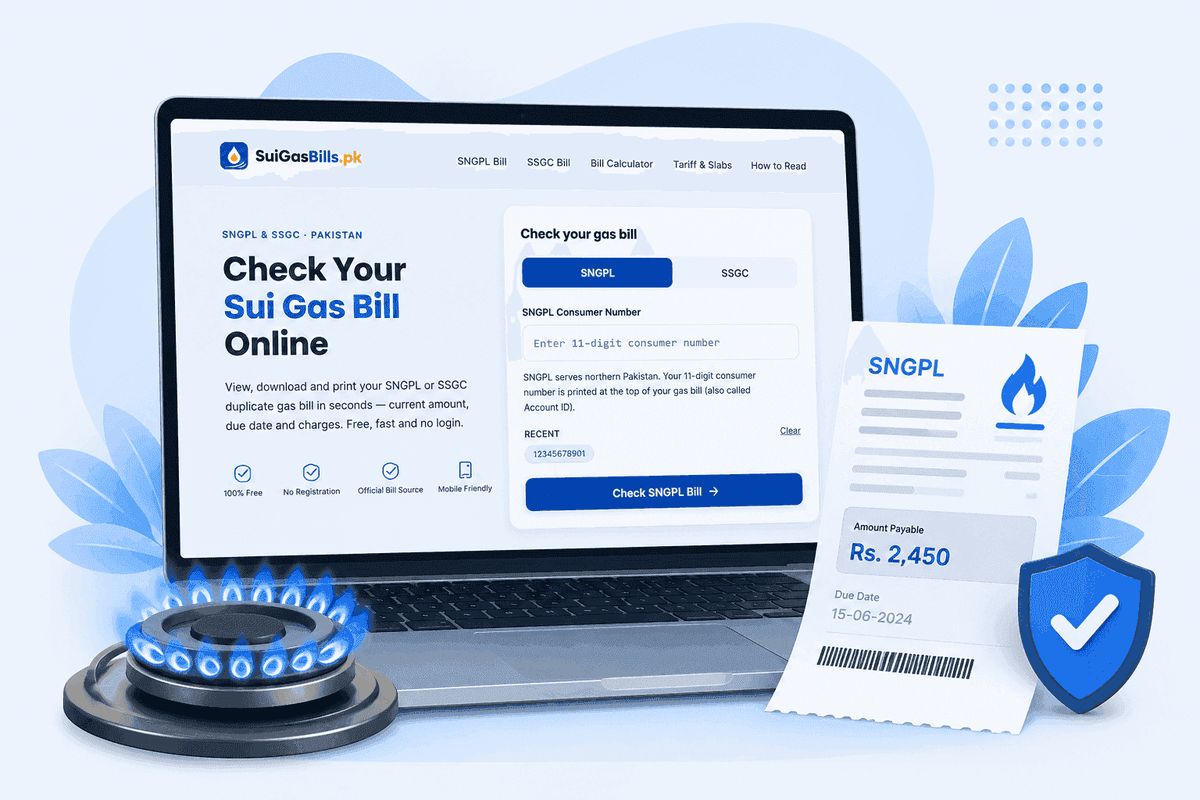
Can You Check Your Gas Bill on a Mobile Phone?
Yes — checking your Sui Gas bill on a mobile phone is fully supported and works equally well on Android and iPhone. Both SNGPL (Sui Northern Gas Pipelines Limited) and SSGC (Sui Southern Gas Company) have mobile-optimised web portals. You do not need to install any dedicated gas company app; a standard mobile browser is sufficient to retrieve your full bill, including the current charges, fixed charges, GST breakdown, arrears, and the due date.
SNGPL serves consumers across Punjab, Khyber Pakhtunkhwa, Islamabad Capital Territory, Azad Jammu & Kashmir, and Gilgit-Baltistan, with its headquarters in Lahore. SSGC covers Sindh and Balochistan from its headquarters in Karachi. Regardless of which company supplies your gas, the mobile bill-checking process takes under two minutes once you have your consumer number to hand.
Third-party fintech apps have made the process even faster. JazzCash and Easypaisa — the two most widely used mobile wallets in Pakistan — both retrieve your live bill data when you add your consumer number, so you can view and pay in a single session. For those without a smartphone, SNGPL also provides an SMS service: send your 11-digit consumer number to 9879 and receive the outstanding amount by return text.
This guide covers every mobile method available to Pakistani consumers in 2025, from browser steps on Android and iPhone to SMS shortcuts, fintech apps, PDF saving, and bill-due-date reminders. By the end you will have a complete mobile toolkit for managing your gas bill without ever visiting a utility office or a bank branch.
- SNGPL portal: sngpl.com.pk (mobile browser, no app needed)
- SSGC portal: ssgc.com.pk (mobile browser, no app needed)
- SMS check (SNGPL only): send consumer number to 9879
- JazzCash app — bill view and payment in one step
- Easypaisa app — bill view and payment in one step
- 1Link ATM — bill inquiry via ATM card
Checking Your SNGPL Bill on an Android Mobile
Android users make up the majority of smartphone owners in Pakistan, and the SNGPL mobile portal is optimised for Chrome on Android, which comes pre-installed on virtually every device. Open Chrome, type sngpl.com.pk in the address bar, and tap the 'Online Bill' or 'Duplicate Bill' link on the homepage. The site is responsive and loads cleanly on screen sizes from a 5-inch budget handset to a large-display flagship.
On the bill inquiry page, you will see a single input field labelled 'Consumer Number'. SNGPL consumer numbers are exactly 11 digits long. You can find yours on any previous paper bill, on the meter card attached to your gas connection, or by calling the SNGPL helpline at 111-762-762. Enter the number carefully — a single wrong digit retrieves a different account or returns no result.
After submitting, the portal displays your current month's bill summary: the gas-consumption amount in rupees, the fixed charge (Rs 600 for protected consumers or Rs 1,500 / Rs 3,000 for non-protected depending on slab), the 18% GST applied to all charges, any arrears from previous months, the after-due surcharge if applicable, and the total payable amount alongside the due date. You can tap a 'Print / Download' button to save the bill as a PDF directly to your Android device.
If the SNGPL website feels slow on a data connection, enable Chrome's data-saving mode under Settings > Lite mode. The text-only bill page loads in well under 50 KB, so even a 3G connection in a rural area of Punjab or KPK will render it in seconds. Bookmark the bill-check URL after your first visit so future checks are a single tap.
| Step | Action | What You See |
|---|---|---|
| 1 | Open Chrome on Android | New tab / address bar |
| 2 | Go to sngpl.com.pk | SNGPL homepage |
| 3 | Tap 'Online Bill' | Consumer number form |
| 4 | Enter 11-digit consumer number | Input field fills |
| 5 | Tap 'Submit' or 'Get Bill' | Bill summary page |
| 6 | Tap 'Download PDF' | PDF saved to Downloads |
Checking Your SSGC Bill on an iPhone
iPhone users in Karachi, Hyderabad, Sukkur, Quetta, and other SSGC-served cities can check their bill through Safari, the default iOS browser. Open Safari and navigate to ssgc.com.pk. The SSGC homepage has a prominent 'Bill Inquiry' option in the navigation or as a quick-link tile. Tap it to open the consumer lookup form. The site uses standard HTML forms that work without any JavaScript frameworks, so it loads reliably even on older iPhones running iOS 14 or later.
SSGC consumer numbers are 10 digits long — one digit shorter than SNGPL. This distinction matters if you have recently moved or are looking up a bill for a relative, because entering an 11-digit number in the SSGC portal will produce an error. Your SSGC consumer number appears on the top-right of your paper bill or on the SSGC meter card. If you cannot locate it, call the SSGC helpline at 1199, which is a toll-free number available around the clock.
Once you submit the consumer number, the SSGC portal returns the current bill with a full charge breakdown: consumption charges calculated against the OGRA-notified slab rate for your usage tier, the applicable fixed charge, 18% GST, any balance brought forward from the previous month, and the final amount payable. The due date is highlighted, and a late-payment surcharge will apply if payment is made after that date.
Safari on iPhone also supports the Share Sheet, which lets you save the bill page as a PDF directly to the Files app or to iCloud Drive. Tap the Share icon (the box with an upward arrow) at the bottom of the Safari screen, scroll through the options, and tap 'Print'. On the Print preview, pinch outward on the preview thumbnail — this converts the page to a PDF, which you can then tap the Share icon again to save to Files. This is the fastest no-app route to a saved bill on iOS.
Using the JazzCash App to Check and Pay Your Gas Bill
JazzCash is Pakistan's largest mobile wallet by active users, and it integrates directly with both SNGPL and SSGC billing systems through the 1Link utility payment infrastructure. Once you have downloaded the JazzCash app from the Google Play Store or Apple App Store and completed the basic account registration with your CNIC and mobile number, you can add your gas consumer number to the utility payments section for recurring bill checks and payments.
To check your gas bill in JazzCash, open the app and tap 'Pay Bills' from the home dashboard. Select 'Gas' from the biller category list. You will be prompted to choose between 'SNGPL' and 'SSGC' — select whichever company supplies your connection. Enter your consumer number in the field provided. JazzCash fetches the live bill amount from the utility's system in real time, displaying the current charges and due date before you commit to any payment. This inquiry step is free and does not deduct any amount from your wallet.
If you choose to pay, JazzCash charges a small convenience fee that is displayed transparently before confirmation — typically between Rs 10 and Rs 25 depending on the bill amount. Once confirmed, the payment is processed through the 1Link network, and you receive an SMS confirmation with a transaction reference number that serves as proof of payment. SNGPL and SSGC both update their systems within 24 to 48 hours, after which the payment reflects against your consumer account.
JazzCash also supports saving multiple consumer numbers under the 'Favourite Billers' feature, which is particularly useful for joint families managing two gas meters or landlords handling utility bills across multiple rental properties. The app is available in both English and Urdu, making it accessible to consumers across all literacy levels in cities like Lahore, Faisalabad, Peshawar, Multan, and Rawalpindi.
Using the Easypaisa App to Check and Pay Your Gas Bill
Easypaisa, operated by Telenor Microfinance Bank, is the other dominant mobile wallet in Pakistan and offers an equally straightforward bill-check-and-pay flow for gas consumers. The Easypaisa app is available for Android and iPhone, and you can use it with or without a full Easypaisa mobile account — basic bill payments can be initiated by verifying your phone number alone, though a fully registered account unlocks payment history, favourite billers, and higher transaction limits.
From the Easypaisa home screen, tap 'Bill Payment' and then 'Gas'. Select SNGPL or SSGC, enter your consumer number, and tap 'Fetch Bill'. The app connects to the utility's billing server and returns the current outstanding amount along with the billing month and due date. Like JazzCash, this inquiry is read-only and free — no charge until you explicitly confirm payment.
Easypaisa accepts payment from your Easypaisa wallet balance, from any linked bank account via IBFT, or over the counter at any of the 200,000+ Easypaisa agent shops nationwide. The over-the-counter option is particularly useful for consumers in smaller towns and rural areas of Punjab and Balochistan where internet connectivity may be intermittent — visit any Easypaisa shop, provide your consumer number, and the agent processes the payment on your behalf. You receive an SMS receipt instantly.
One practical advantage Easypaisa offers is that its bill payment receipts are stored in the transaction history inside the app, accessible without an internet connection once loaded. If you need to show proof of payment at an SSGC or SNGPL office, you can display the Easypaisa transaction record directly from your phone. Keep at least the most recent three months of receipts, as disputes over billing sometimes require payment history going back a quarter.
Mobile Browser Tips for Gas Bill Websites
Even without a fintech app, a well-configured mobile browser gives you a fast and friction-free bill-checking experience. Both Chrome (Android) and Safari (iPhone) have built-in features that reduce the friction of visiting utility portals repeatedly. The most important habit to establish is bookmarking the bill-check URL — not the homepage, but the specific inquiry page where the consumer number form appears — so you can skip navigation steps on every future visit.
Enable autofill in your browser for your consumer number. On Chrome, go to Settings > Autofill > Addresses and forms, and save your consumer number as a custom field. On Safari, iCloud Keychain stores form field values; after entering your consumer number once, iOS may prompt you to save it. Accepting this prompt means future visits auto-populate the field, reducing the check to a single tap on Submit. This is particularly useful for SNGPL consumers who do their monthly check on the go.
If you are on a slow mobile data connection — common in rural areas of KPK, interior Sindh, or Balochistan — enable your browser's reader or text-only mode to strip images and load the utility page faster. Chrome's 'Lite mode' (now called 'Use less data') compresses pages server-side. Safari's 'Reader View' is available once a page loads. Both reduce data consumption significantly, which matters if you are on a limited data plan.
For users who manage multiple gas accounts — for example, a family with both an SNGPL connection in Lahore and an SSGC connection for a property in Karachi — consider using two separate browser profiles or two different browsers (Chrome for one, Firefox for the other) to keep bookmarks and autofill data separate. This prevents accidentally submitting an SNGPL consumer number into the SSGC portal, a common mistake that causes confusion when no bill is found.
| Browser Feature | Chrome (Android) | Safari (iPhone) |
|---|---|---|
| Bookmark bill page | Star icon in address bar | Share > Add Bookmark |
| Autofill consumer number | Settings > Autofill | iCloud Keychain |
| Save as PDF | Share > Print > Save as PDF | Share > Print > Pinch out |
| Data saver mode | Settings > Lite mode | iOS Settings > Low Data Mode |
| Reader / text mode | Not built-in | Reader View in address bar |
| Desktop site mode | Three-dot menu > Desktop site | Share > Request Desktop Website |
Saving Your Gas Bill on Mobile — PDF and Screenshots
Saving a copy of your gas bill on your phone is good practice for three reasons: it gives you a reference if a payment dispute arises, it lets you track consumption trends across months, and it provides documentary proof if you ever need to show a bill to a landlord, a bank, or a government office. On mobile, you have two main formats to choose from: PDF and screenshot. Each has its uses.
A full-page PDF is the superior format for record-keeping. It preserves the entire bill with all charge fields, the consumer number, billing period, OGRA-notified tariff reference, and the company letterhead — all of which may be required in a formal dispute. On Android with Chrome, tap the three-dot menu and select 'Print'; in the print dialog, change the printer destination to 'Save as PDF' and tap the Save button. The PDF goes to your Downloads folder, from where you can move it to Google Drive or share it via WhatsApp with family members. On iPhone with Safari, use the Share > Print > pinch-outward method described in Section 3.
Screenshots are faster but incomplete. A single screenshot rarely captures the full bill on a modern smartphone because the page is longer than the screen. Use a scrolling screenshot feature if your phone supports it — on Samsung Galaxy devices, tap Screenshot then 'Scroll capture'; on many Xiaomi and OPPO devices the option appears immediately after taking a standard screenshot. iPhone users can stitch screenshots manually or use a third-party scrolling screenshot app from the App Store. Label saved screenshots with the billing month and year in the filename or album name for easy retrieval later.
For long-term storage, create a dedicated folder in your phone's gallery or cloud storage labelled 'Gas Bills' and file each month's PDF or screenshot there. WhatsApp the PDF to yourself using 'Saved Messages' — it acts as a free, timestamped backup accessible from any device. SNGPL keeps the last 12 months of bills online; SSGC's portal shows fewer. Your personal archive is your only recourse for older records, so save consistently each month.
Setting Mobile Reminders for Gas Bill Due Dates
Gas bill due dates in Pakistan typically fall 15 to 20 days after the bill generation date. SNGPL and SSGC both apply an after-due surcharge — a percentage of the outstanding amount — if payment is received after the due date, so missing the deadline carries a direct financial cost. Setting a recurring mobile reminder is the simplest way to avoid this surcharge without having to memorise dates each month.
On Android, open the Google Calendar app or the built-in Calendar app on your device. Create a new monthly recurring event titled 'Gas Bill Due' and set the date to approximately the 20th of each month — the exact date varies slightly by billing cycle, so review your last two bills to identify your typical due date and anchor the reminder there. Set two reminders: one three days before the due date so you have time to load money into JazzCash or Easypaisa, and one on the morning of the due date itself as a final alert.
iPhone users can use the built-in Reminders app or Calendar. In Reminders, tap the plus icon, enter 'Pay Gas Bill', tap the calendar icon to set a date, enable 'Repeat' and set it to 'Monthly', and choose your notification time. Siri can also set this up by voice: say 'Hey Siri, remind me to pay the gas bill on the 20th of every month.' For families that split household responsibilities, share a Google Calendar event with all family members so everyone knows the due date regardless of who ultimately handles the payment.
Some consumers find it helpful to set a secondary reminder a week before the due date specifically to check the bill amount — especially in winter months (November through February) when gas consumption surges dramatically across Punjab, KPK, and Islamabad due to heating and water-heating use. Winter bills can be three to five times higher than summer bills, and knowing the amount early gives you time to arrange funds without stress.
Getting Push Notifications for Bill Alerts — SuiGasBills.pk
SuiGasBills.pk offers a web push notification service that alerts you the moment a new gas bill is generated for your consumer number, before the paper bill even arrives at your door. This is especially valuable in urban areas like Lahore, Karachi, and Islamabad where postal delays mean paper bills sometimes arrive only a few days before the due date, leaving little time to arrange payment.
To enable push notifications, visit SuiGasBills.pk in your mobile browser — both Chrome on Android and Safari on iPhone (iOS 16.4 or later) support web push. When prompted, tap 'Allow Notifications'. Then navigate to the Bill Alerts section, enter your consumer number, and select your utility company (SNGPL or SSGC). The site registers your browser for alerts tied to that consumer number. When the utility's billing system generates a new bill — typically in the first week of the month — SuiGasBills.pk sends you a push notification with the bill amount and due date.
The notification arrives directly on your phone's lock screen, exactly like a WhatsApp message or a bank alert, without requiring you to open any app or browser. Tapping the notification opens SuiGasBills.pk directly to your bill summary, from where you can view the full breakdown or tap through to pay via JazzCash or Easypaisa. The service is free and does not share your consumer number or any personal data with third parties.
You can register up to three consumer numbers per browser — useful for families with separate domestic connections or for property managers overseeing multiple accounts. If you change devices or clear your browser data, simply re-register on the new device using the same consumer numbers. SuiGasBills.pk also sends a reminder notification 48 hours before the due date if the bill remains unpaid, giving you a second safety net against late-payment surcharges.
Data Privacy When Checking Gas Bills on Mobile
Your gas consumer number is a semi-public identifier — it appears on your physical bill and is required for any inquiry — but it does not grant anyone access to make changes to your account or redirect payments. Nevertheless, practising basic data hygiene when checking bills on mobile is sensible, particularly if you share a device with household members or access utility portals on public Wi-Fi.
Avoid checking your gas bill over unsecured public Wi-Fi networks in cafes, airports, or shopping malls. Both the SNGPL and SSGC portals use HTTPS encryption (look for the padlock icon in your browser's address bar), which protects the data in transit, but a malicious Wi-Fi hotspot can serve a spoofed page designed to harvest your consumer number. If you must check on public Wi-Fi, use a VPN app — several free options are available on the Google Play Store and App Store — or switch to your mobile data connection, which is encrypted by default.
When using JazzCash or Easypaisa, download these apps only from the official Google Play Store or Apple App Store. Fake utility-payment apps have appeared on third-party APK sites and have been used to harvest login credentials and CNIC details. The official JazzCash app is published by Jazz (Mobilink), and the official Easypaisa app is published by Telenor Microfinance Bank — verify the publisher name before installing. Enable two-factor authentication on both apps using your SIM-linked OTP for an extra layer of account security.
Be cautious of WhatsApp groups, Facebook posts, or SMS messages claiming to check your gas bill for a fee or asking you to share your consumer number along with personal identification. SNGPL and SSGC have no authorised fee-based SMS inquiry service other than the free 9879 SMS service for SNGPL. All official bill-inquiry channels described in this guide — the utility portals, JazzCash, Easypaisa, 1Link ATMs, and SuiGasBills.pk — are free to use for bill viewing.